Clients
Your clients
Save a client once and they're on every quote and invoice. Each client has a page with what they owe and everything you've sent them.
2 min read · 3 steps
Step 1
Add a client
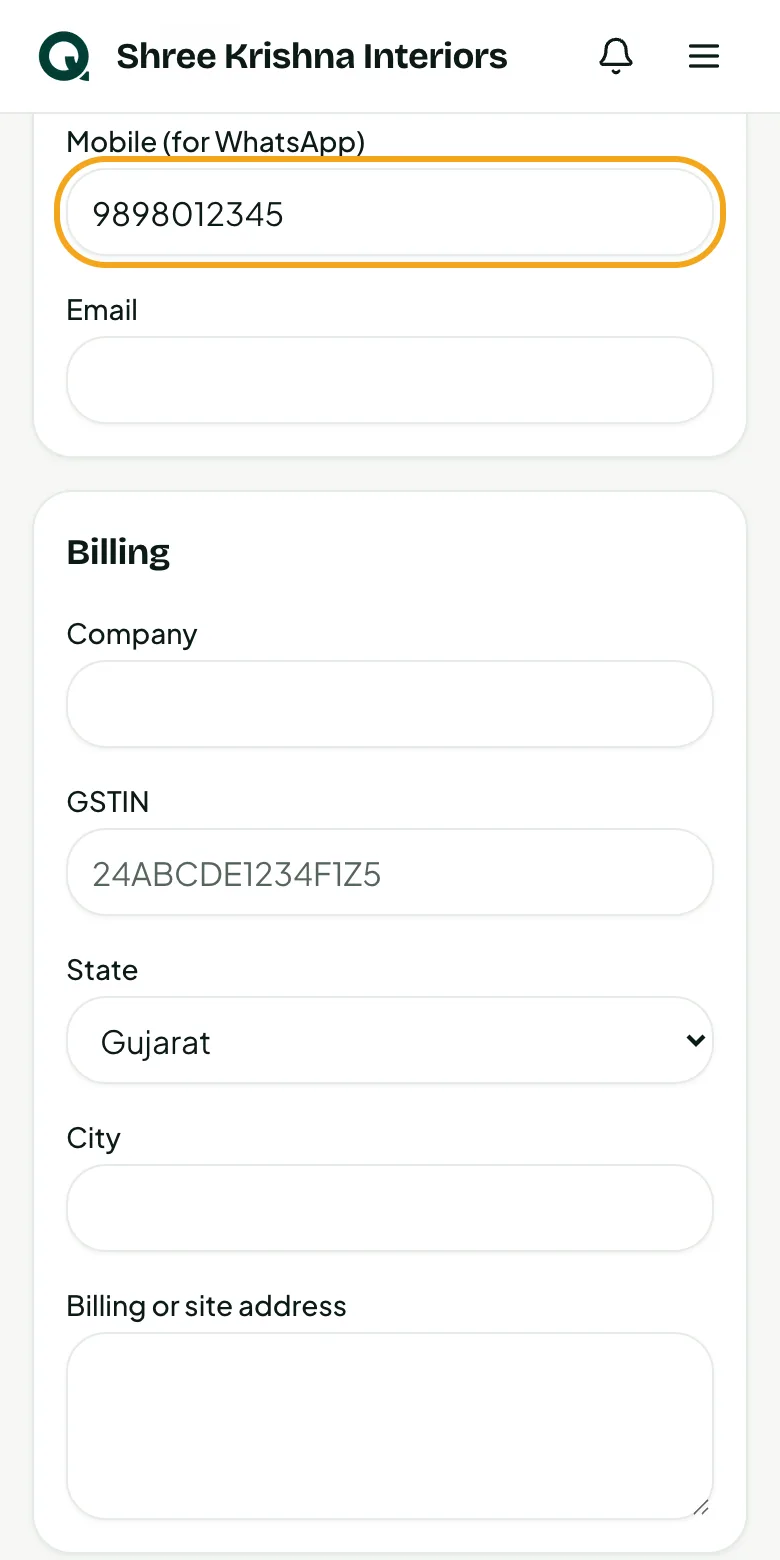
Only the name is needed. A mobile number lets you send on WhatsApp; an email lets reminders go out. A GSTIN fills in their state.
- 1Tap “+”, then “Add client”
- 2Type the name and mobile number
- 3Add the company, GSTIN, email or address if you have them
- 4Save
Tip: You can also add a client while making a quotation, with “New client”.
Step 2
See who owes you
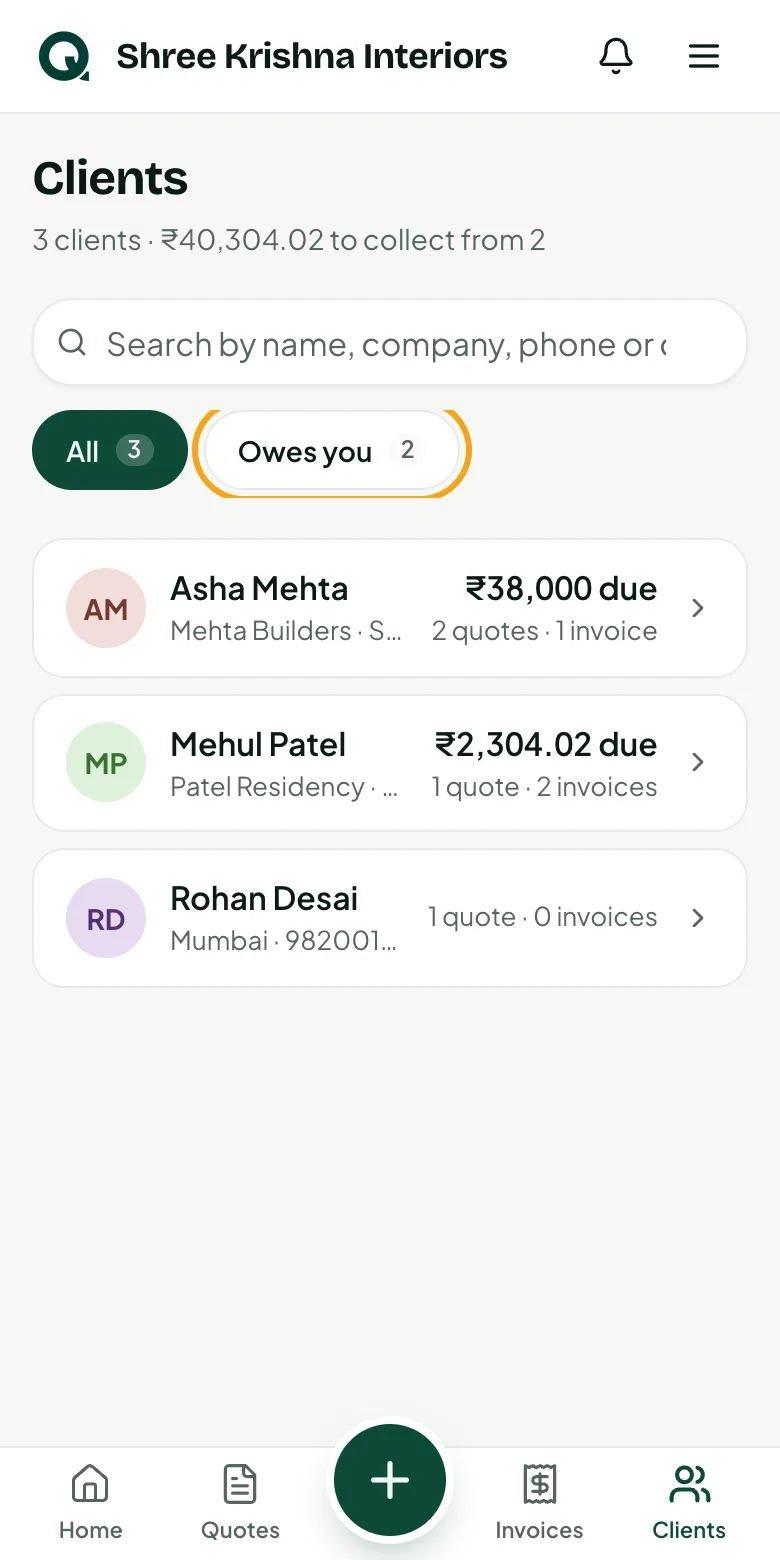
The list shows each client's amount due. Search by name, company, phone or city.
- 1Tap “Clients”
- 2Tap “Owes you” to see only clients with money due
Step 3
Open a client's page
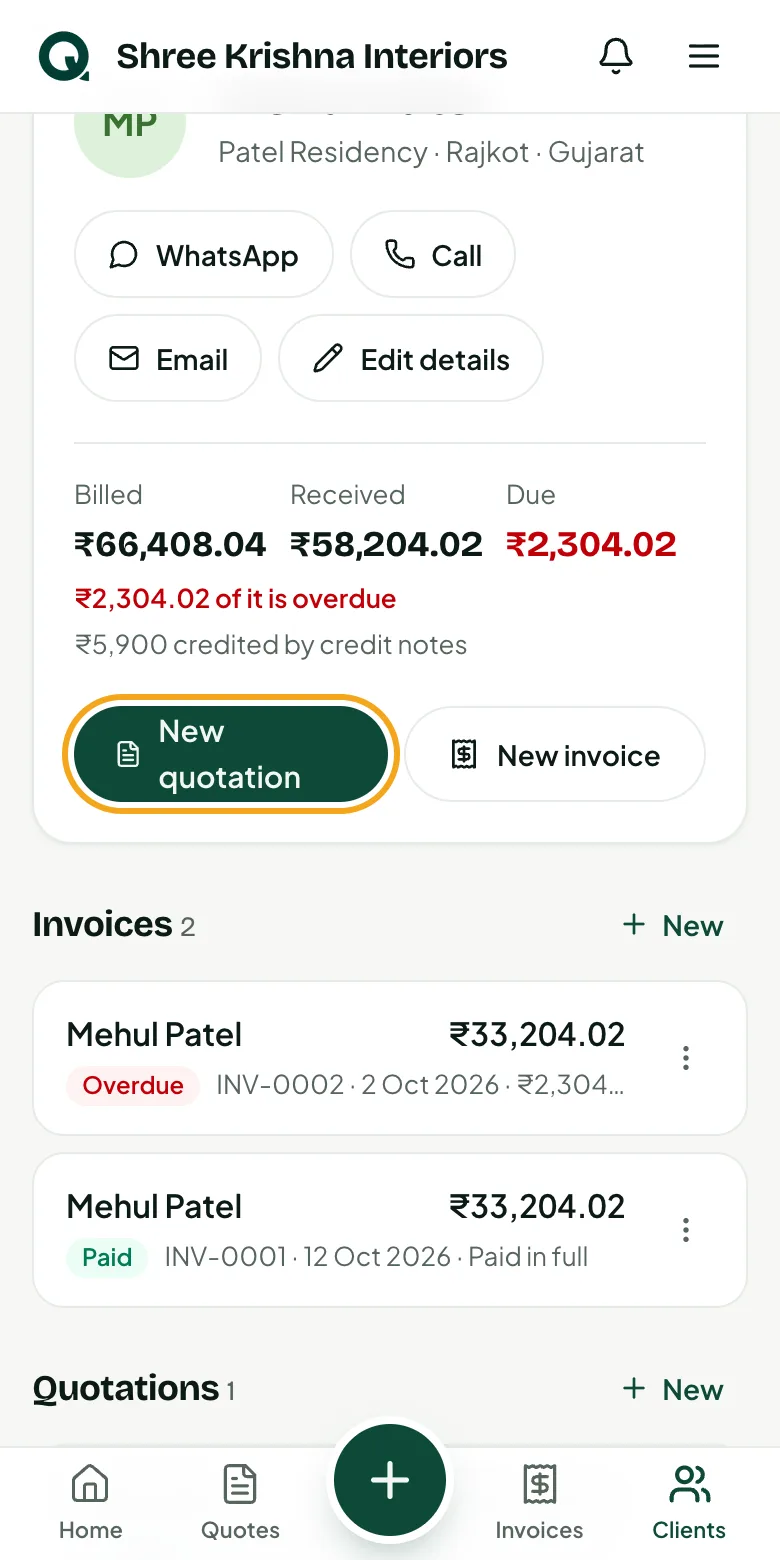
Everything about one client in one place: call or WhatsApp them, see billed, received and due, and their quotations, invoices and notes.
- 1Tap a client
- 2Tap “New quotation” or “New invoice” to start one for them
- 3“Edit details” changes their information
Common questions
Can I delete a client?
Yes, if they have no quotations or invoices. Otherwise they stay, so your records stay complete.
Does a client's state matter?
Yes: it decides CGST + SGST or IGST on their documents.